Lumiverse · Apple Vision Pro
Your seat
among the stars.
Step into a cockpit built around you. Chart a course through the solar system with Lumi at your side, watch the planets fill your windows, and settle into a ship that feels like your own.


Lumi, your companion
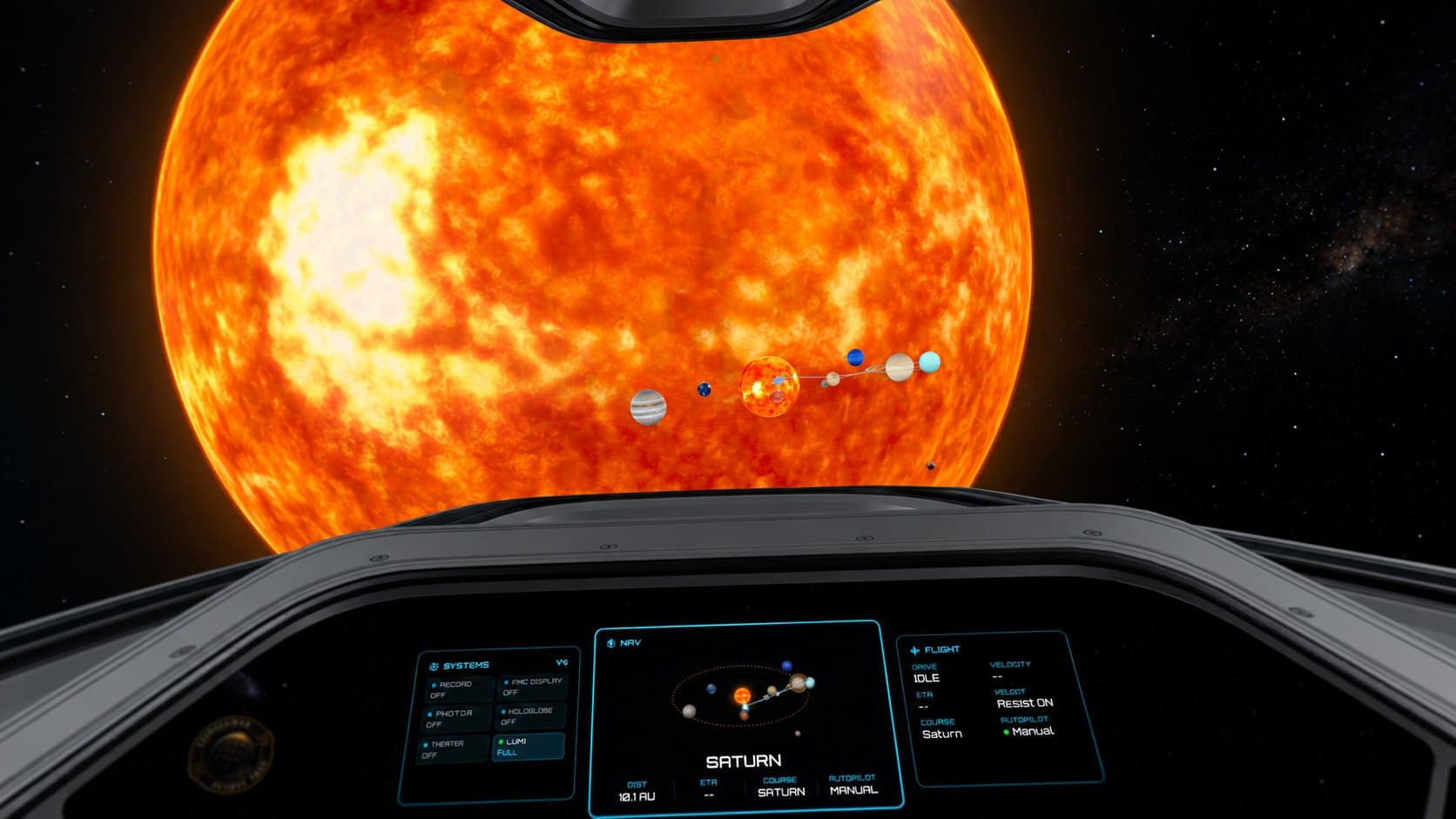
Welcome aboard
A ship to call your own.
Your controls within reach. The solar system beyond the glass. Lumi along for the ride.
Lumi, right beside you.
Talk as you travel, or just enjoy the company. Lumi runs on your headset, or on your Mac through Lumi Link.
Where to next?
Pick a destination, plot the stops, and enjoy the ride.
Mission control
Every system within reach.
Set a course, engage the autopilot, open anything with a pinch.
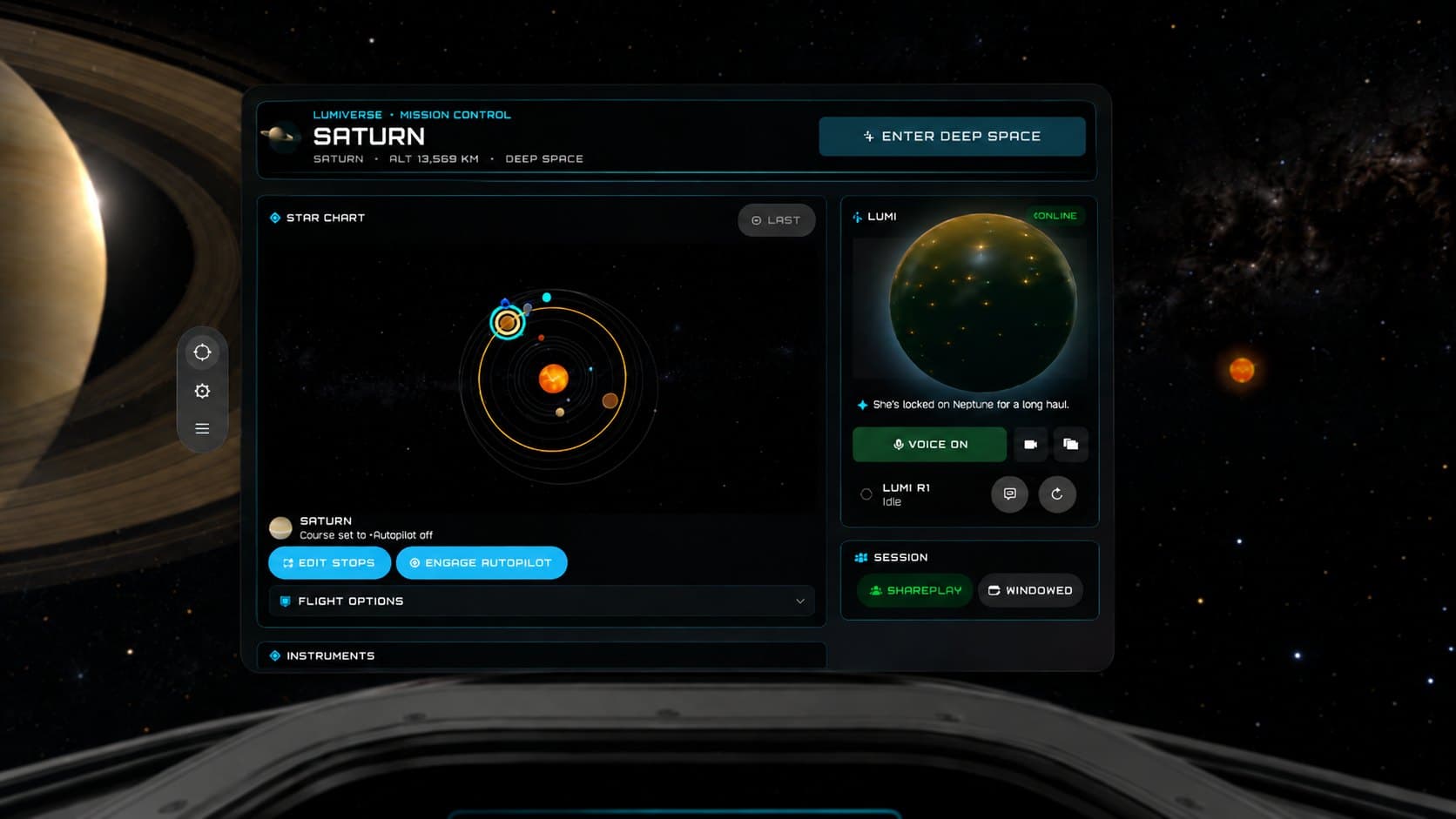 Mission control
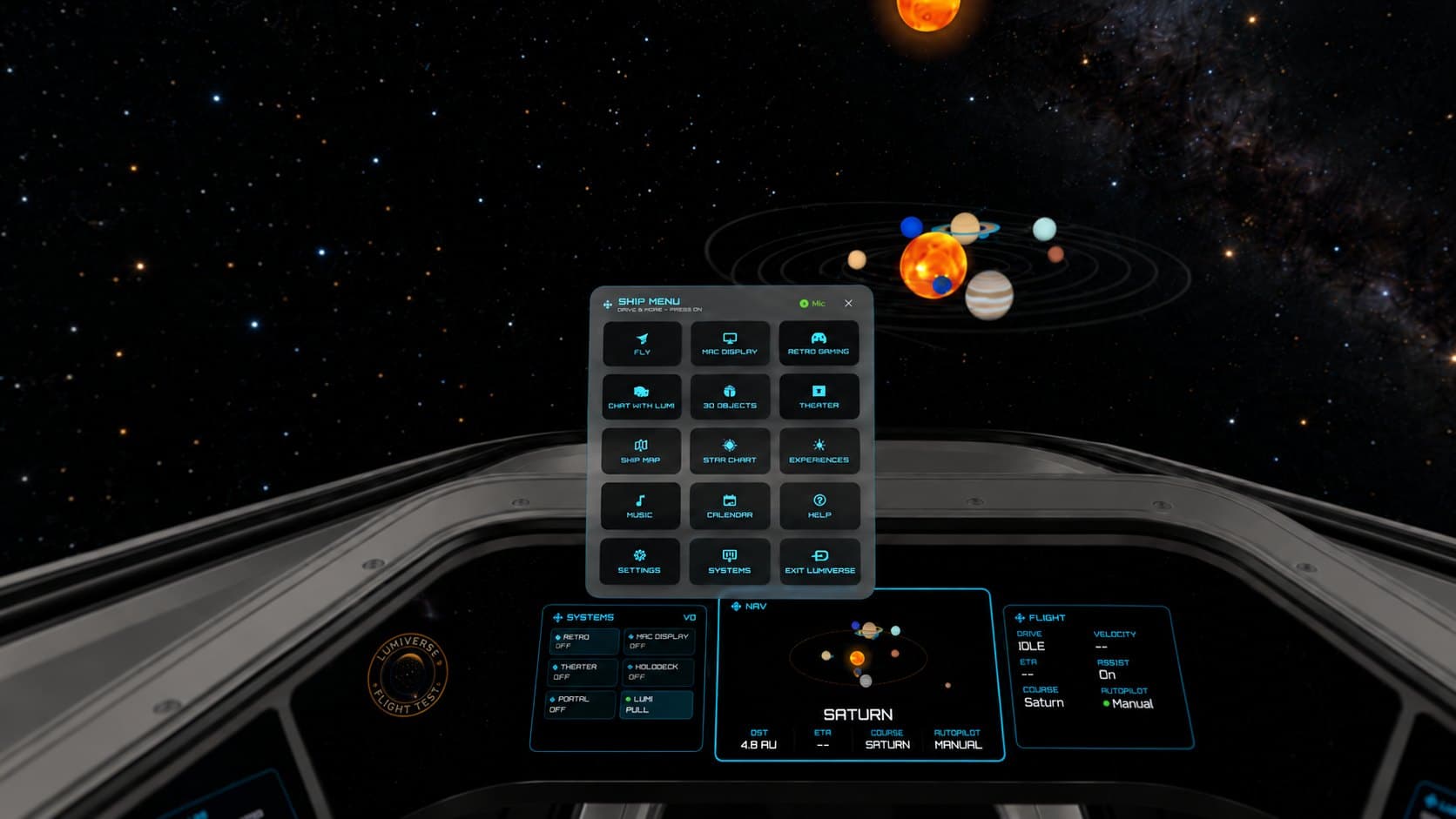 Ship menu
Your Mac, on the flight deck.
Lumi Link puts your Mac’s screen in the cockpit. The website edition adds Wide (21:9) and Super Wide (32:9) desktops, curved around your seat.
- Type and click with your Mac’s own keyboard and trackpad.
- A keyboard portal to your real desk.
- Lumi can think on your Mac for bigger models. Screen sharing is view-only.
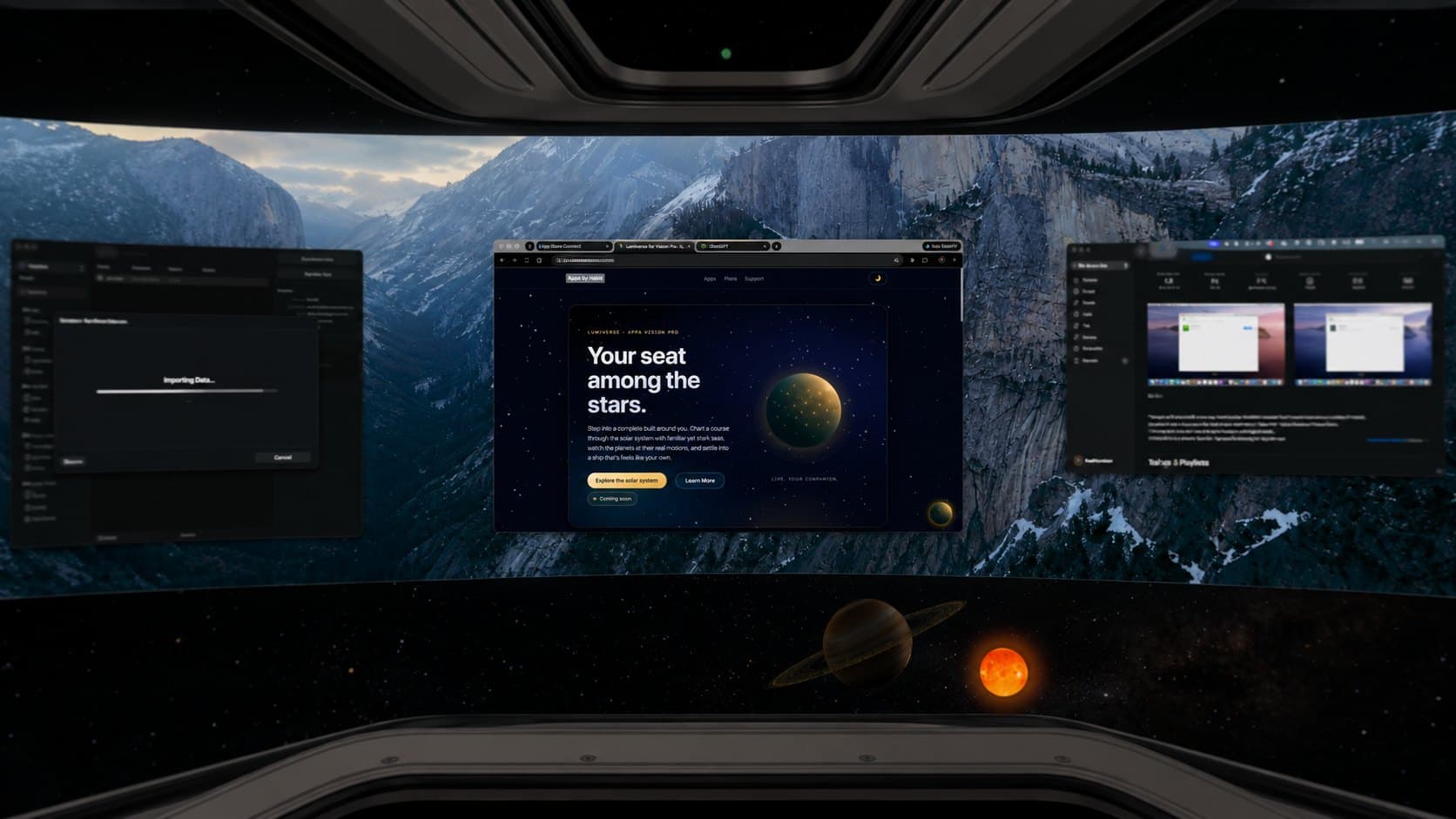
Stay for the view
Or simply watch the planets go by.
Take the controls, or just watch. When you want a change of scenery, the holodeck is just a few steps away.
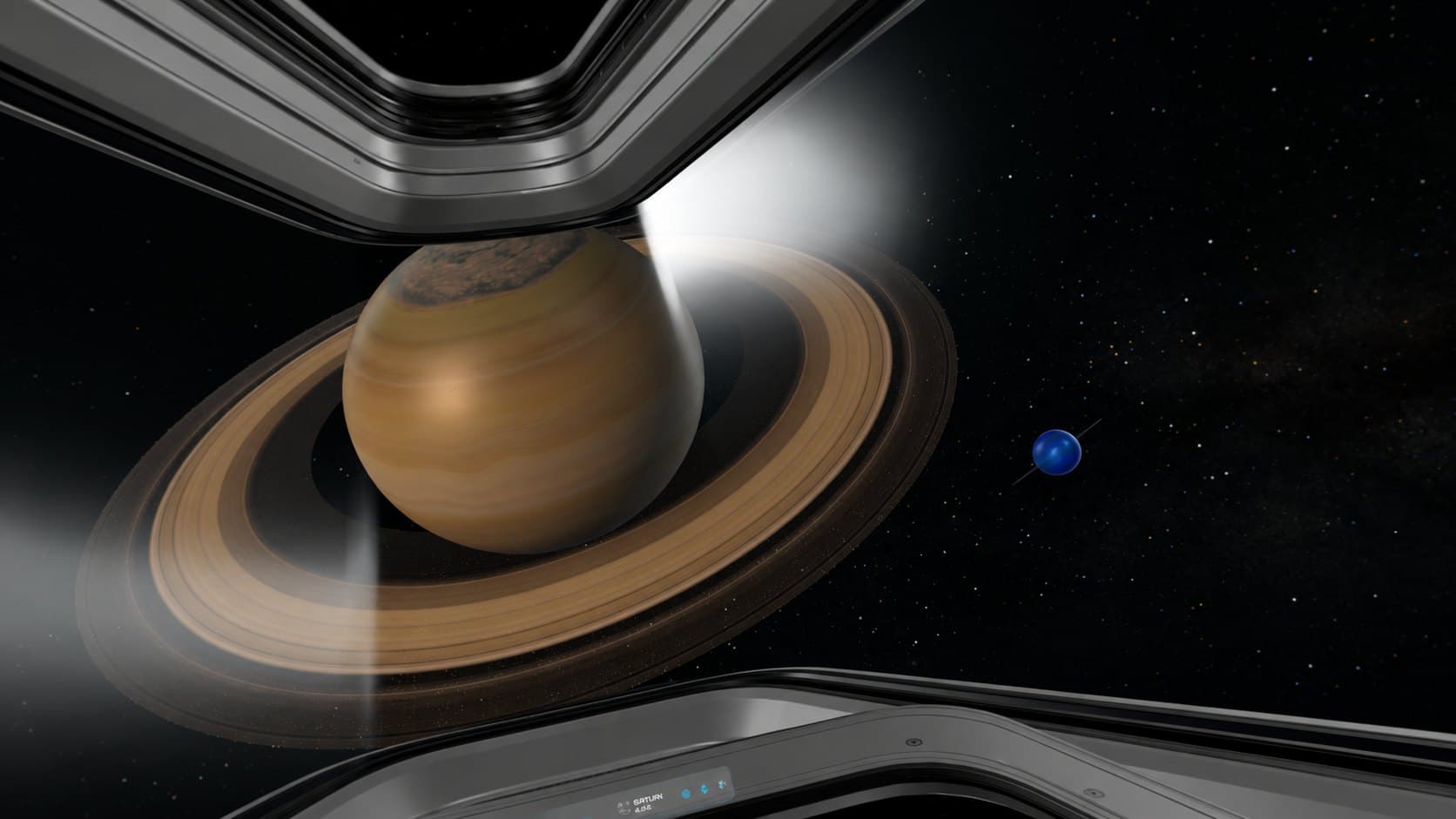 From the pilot’s seat
 Holodeck
Also aboard
Small details, made to be noticed.
- Real planets on real orbits
- A star map you plot by hand
- Lumi on your headset, or your Mac
- A holodeck for a change of scenery
- Your Mac’s screen in the cockpit
- Warm cabin light and a quiet hum
Before launch
Lumiverse is still on the launch pad.
The App Store link will land here. Lumi Link for Mac is available now.